
Type a full name or initials
Use your complete name for documents and email. Choose initials when you need a compact mark for short forms, profile graphics, or a secondary signature.
Type your full name or initials, compare 30 handwritten and cursive signature fonts, then download the result as a transparent high-resolution PNG or scalable SVG.
Best regards,
Select a style to apply it instantly. Fonts load only as their cards approach the screen.
Use your complete name for documents and email. Choose initials when you need a compact mark for short forms, profile graphics, or a secondary signature.
Filter elegant, professional, casual, and artistic fonts. Check the clean canvas, document line, and email sign-off instead of judging a font in isolation.
Download a 2400 × 640 PNG with a real alpha channel for common office tools, or use SVG when you need sharp scaling for print and design work.
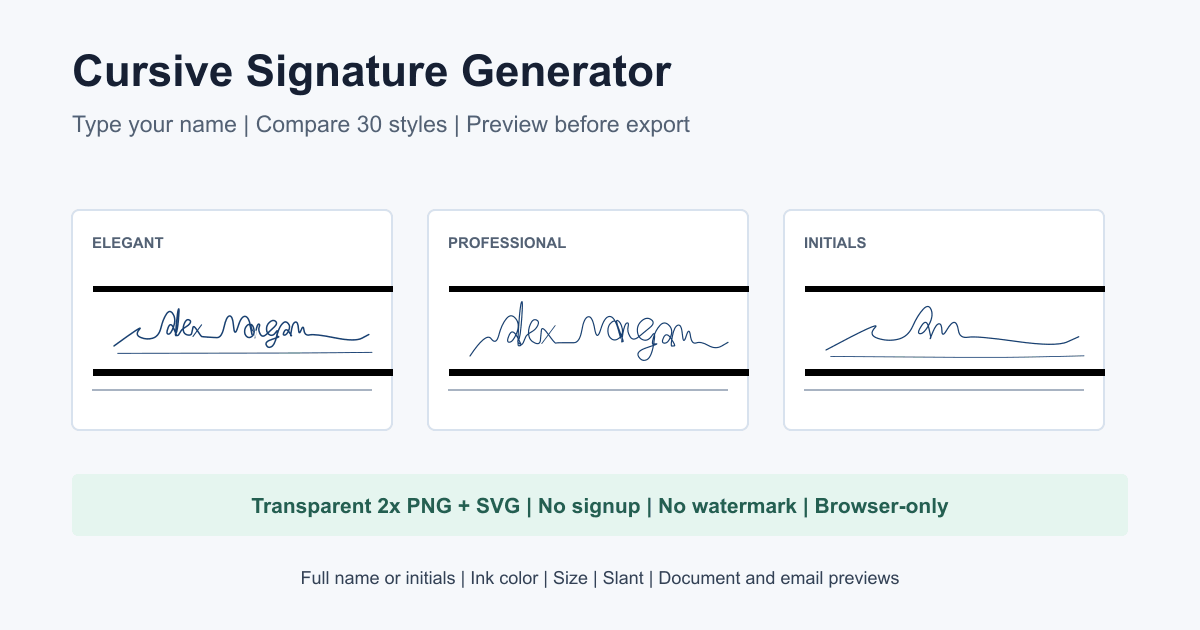
A good cursive signature is not simply the most decorative option. It should remain recognizable at document size, fit the length of your name, and match where the image will appear.
Start with professional or casual styles that keep letter connections open. The preview automatically reduces display size so a long surname does not spill outside its container.
Elegant and artistic fonts can add stronger capitals and finishing strokes without making a compact name unreadable. Initials mode uses up to three words.
Dark navy or black ink is usually reliable on white documents. Use the context tabs to check scale, then choose PNG for simple insertion or SVG for editing.
A typed cursive signature and a hand-drawn signature solve different problems. A font-based result is fast, consistent, and easy to reproduce across files. A drawing records your own movement and imperfections, which may feel more personal but usually takes more practice and cleanup.
Choose the font generator when you want the same spacing, letter shapes, and proportions every time. It works well for a polished name mark, a document illustration, an email sign-off, or a design draft. Compare the complete name rather than choosing a style from one attractive capital letter.
Draw instead when the result should reflect the way you already sign. A mouse is suitable for a rough mark, while a touchscreen or pen gives better control over curves and pressure. The drawing tool also offers undo and redo, transparent PNG, and SVG without converting your strokes into a font.
Review the smallest context in which the signature will appear. Thin connections, wide capitals, and long finishing strokes can disappear or collide when scaled down. The document and email previews expose those problems before export, while the size and slant controls let you correct them without changing styles.
No underline is added automatically. Every result comes only from the selected font, name, ink color, size, and slant.